Prepare a Photo for a Filet Crochet Chart →
Reduce a subject to open and filled meshes, compare threshold settings and check the silhouette manually.
 MotifDraft
Your pattern, your pace
Create an open-and-filled mesh chart for your next filet crochet project.
4-dc mesh convention (US terms) · Open: ch 2 + dc · Filled: 3 dc after the shared edge post

Originals, made for making
Follow each design from original artwork to an editable chart and an illustrated craft finish. Open the chart to adjust colors, edit cells and print your own version.
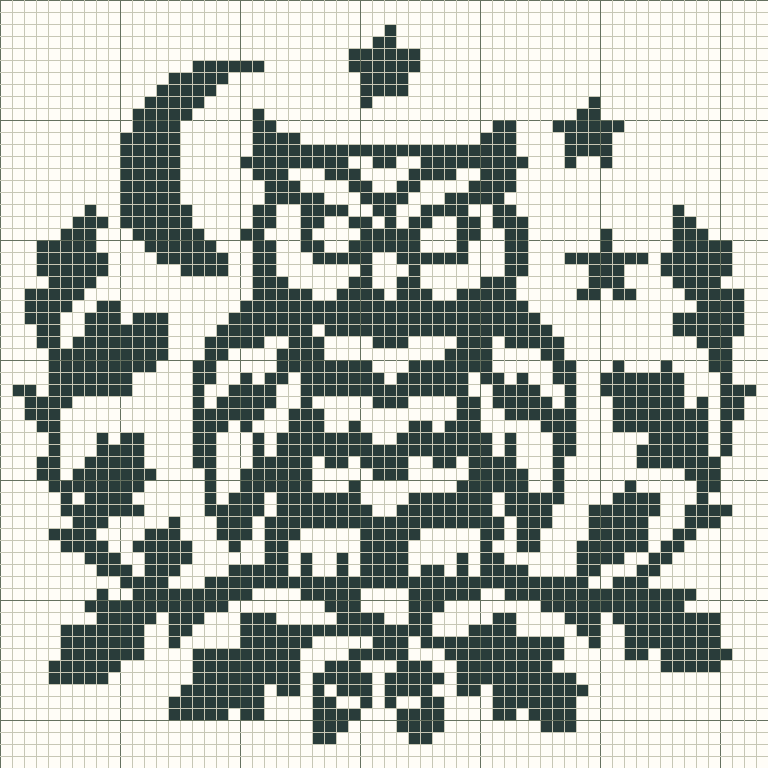
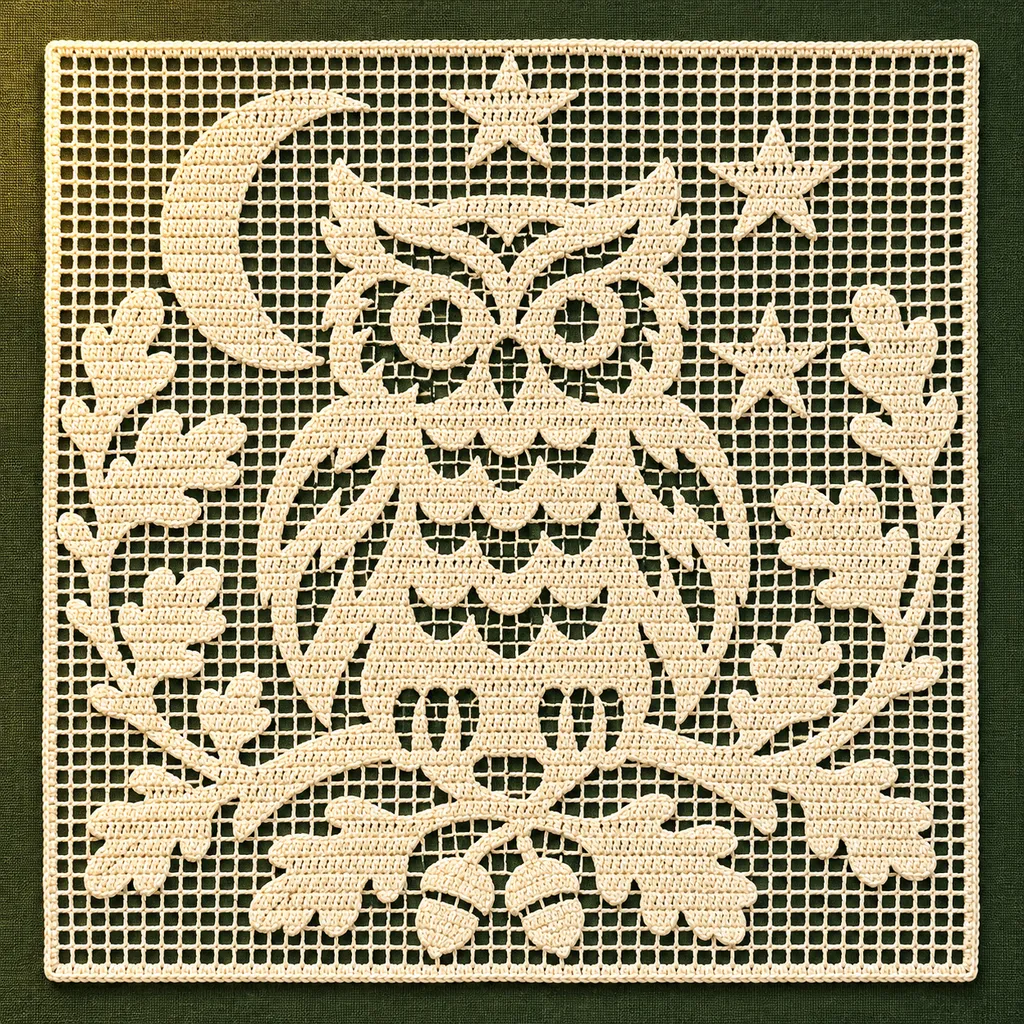
AI mockups illustrate a possible finish, not an exact rendering of the chart. The editable chart is actual tool output; physical making has not been tested.
Start with an open mesh grid or upload a high-contrast image. Set a luminance threshold and optionally invert the result. Transparent image areas stay open.
Use 8–160 meshes per side on Free or 8–400 with Maker Plus. Convert an image into a two-state chart or add block lettering for a name. Each letter becomes filled meshes; free-form stitch symbols are not supported.
Remove tiny isolated meshes or increase contrast before conversion. A clear silhouette is easier to interpret than photographic shading.
This release supports one explicit convention: 4-dc mesh in US terminology. A filled mesh spans four dc including its shared edge posts; an open mesh has ch 2 between posts. After the initial edge dc, add 3 dc for a filled mesh or ch 2 + dc for an open mesh. Adjacent meshes share a post.
Pencil fills a mesh; Eraser opens it. Fill area fills connected open meshes. Rows are numbered from the bottom and alternate direction from your chosen starting side. A highlighted row and ordered runs help check the chart.
The editor counts filled and open meshes separately. Meshes are not individual stitches. Under this convention, a row of N meshes spans 3N + 1 stitch positions, including chain spaces. This is not a foundation-chain or turning-chain instruction.
The printout includes the mesh convention, open/filled legend, mesh counts, row directions and page coordinates. Test the interpretation on a physical swatch before starting a full piece; physical validation is pending.
Add a name or short phrase with block lettering, preview its size and place it as editable cells. My projects keeps separate charts, notes, print settings and completed rows in this browser. Save a copy for a variation, or archive and restore older work.
Keep an editable JSON backup, choose A4 or Letter for PDF printing, download a PNG overview or export material counts as CSV. Make mode tracks completed rows; this browser also keeps one automatic draft per maker.
Reduce a subject to open and filled meshes, compare threshold settings and check the silhouette manually.
Distinguish mesh counts from stitch positions and use the printed convention to review a filet chart.
Preview block lettering, fit it to your chart and preserve the result in any of the five makers.
Save local or cloud projects, keep editable backups and resume row progress across all five makers.
Pick the right export, match paper settings and review page boundaries before making your project.
Interpret open and filled meshes using the explicit 4-dc convention, and check mesh counts and row direction.
Yes. Free includes local conversion and editing up to 160 × 160, plus PNG, CSV, JSON and basic PDF printing without an account. Maker Plus supports up to 400 × 400. Cloud saving requires sign-in; Free accounts can save 5 cloud projects.
Yes. Start a blank mesh chart and use Add lettering. The built-in alphabet supports A–Z, digits and selected punctuation, not Chinese characters or other scripts. Letters become editable filled meshes. Plan the curtain’s borders, foundation and construction separately.
Yes. Start a blank filet chart, use Pencil for filled meshes and Eraser for open meshes, then review the row directions. Print / Save PDF includes the mesh convention and legend. One mesh is not one individual stitch.
Yes. Create or edit your chart, open Export settings, choose A4 or Letter, then use Print / Save PDF. Select Save as PDF in your browser’s print dialog. Check the saved file; canceling the dialog creates no PDF.
One open or filled mesh using the 4-dc convention stated above. Dark squares are filled; empty squares are open mesh, not missing fabric.
No. Meshes share edge posts and include several stitch positions. The key states the convention on every exported project.
No. It displays mesh counts and stitch-position span only. Use a tested foundation and turning-chain method for your project.
Yes, but strong silhouettes work best. Adjust the threshold, invert if needed, and edit the converted meshes.