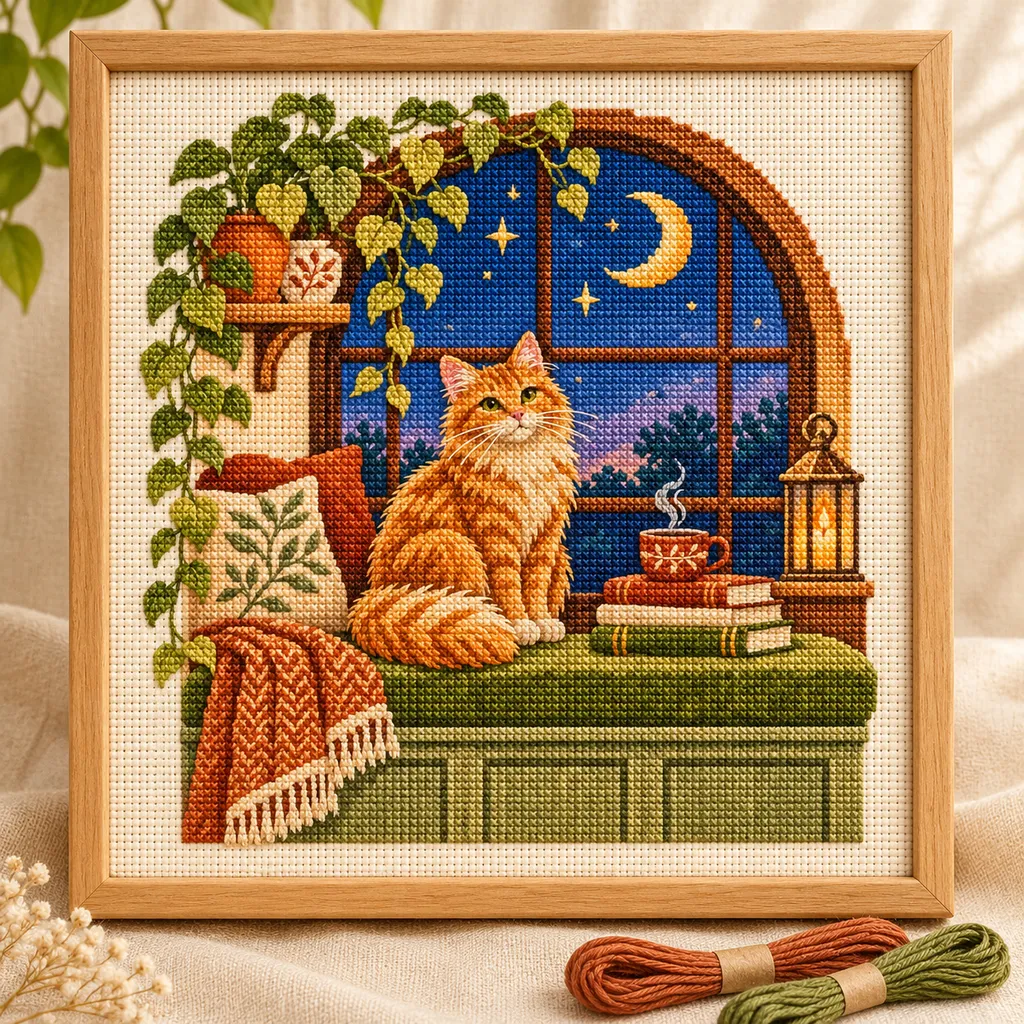
 Moonlit window cat
Cross Stitch Pattern Maker →
Turn a photo into a full-cross chart with thread references, fabric dimensions and printable symbols.
 MotifDraft
From image to needlework
Turn images into cross stitch, crochet and bead charts. Edit colors and grids, then print your pattern. Start free in your browser without signing up.
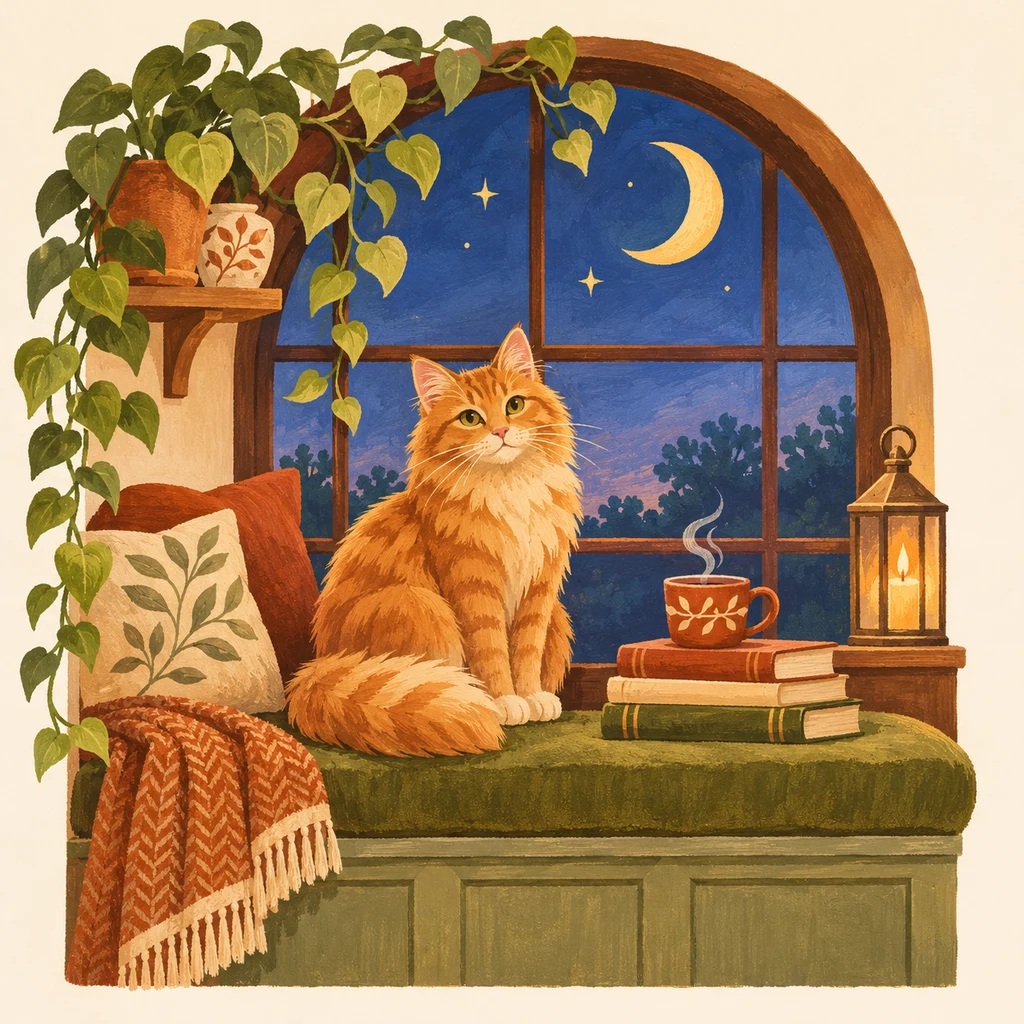
The pattern desk
Moonlit window catTurn a photo into a full-cross chart with thread references, fabric dimensions and printable symbols.
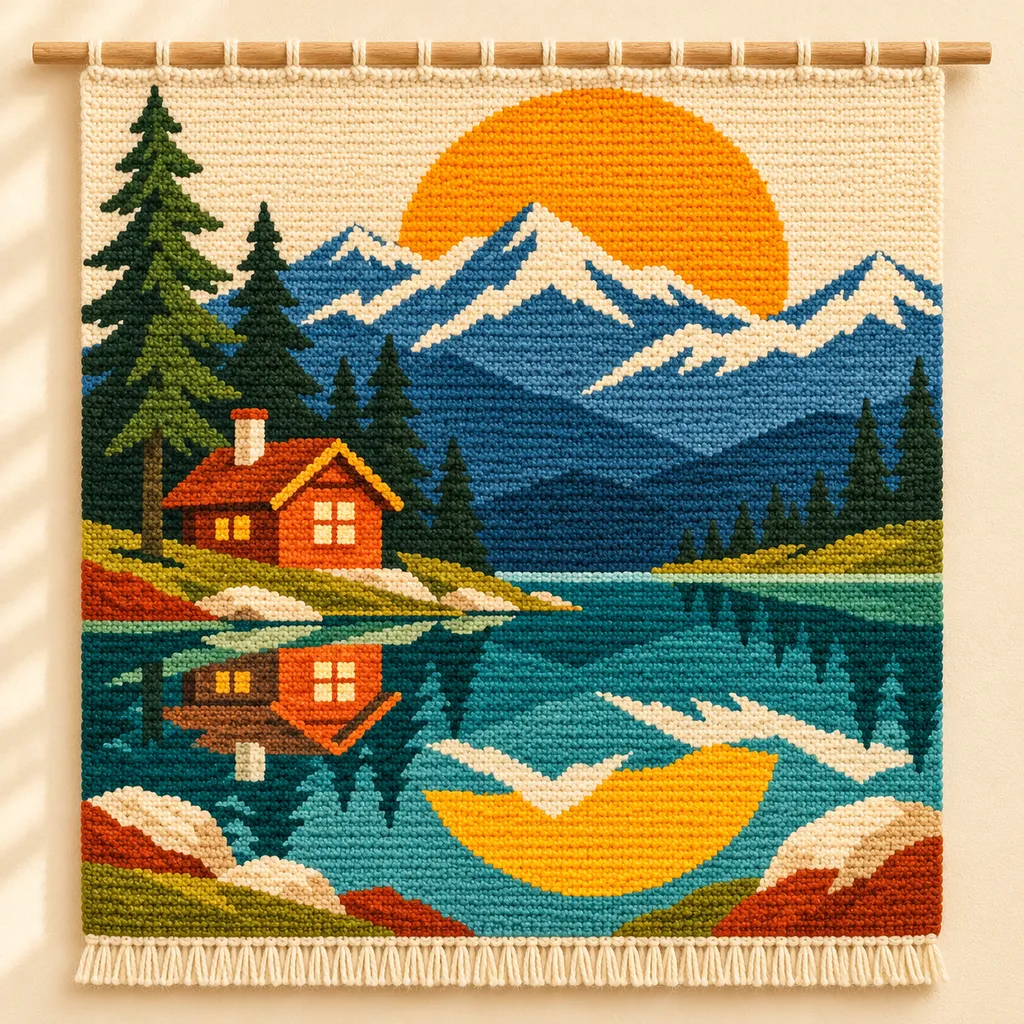 Alpine morning
Create a colorwork chart with adjustable stitch proportions and clear row directions.
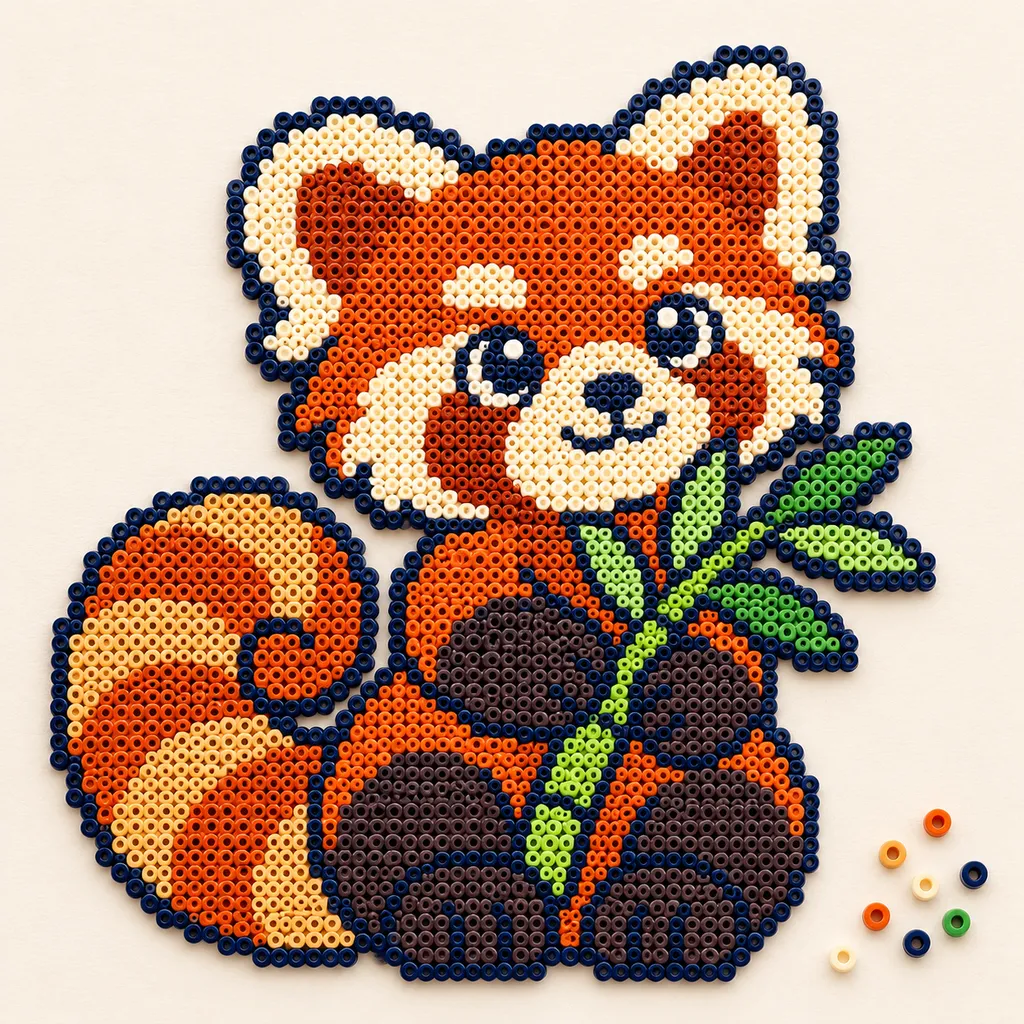 Bamboo red panda
Turn an image into a bead chart with editable colors, pegboard sections and bead counts.
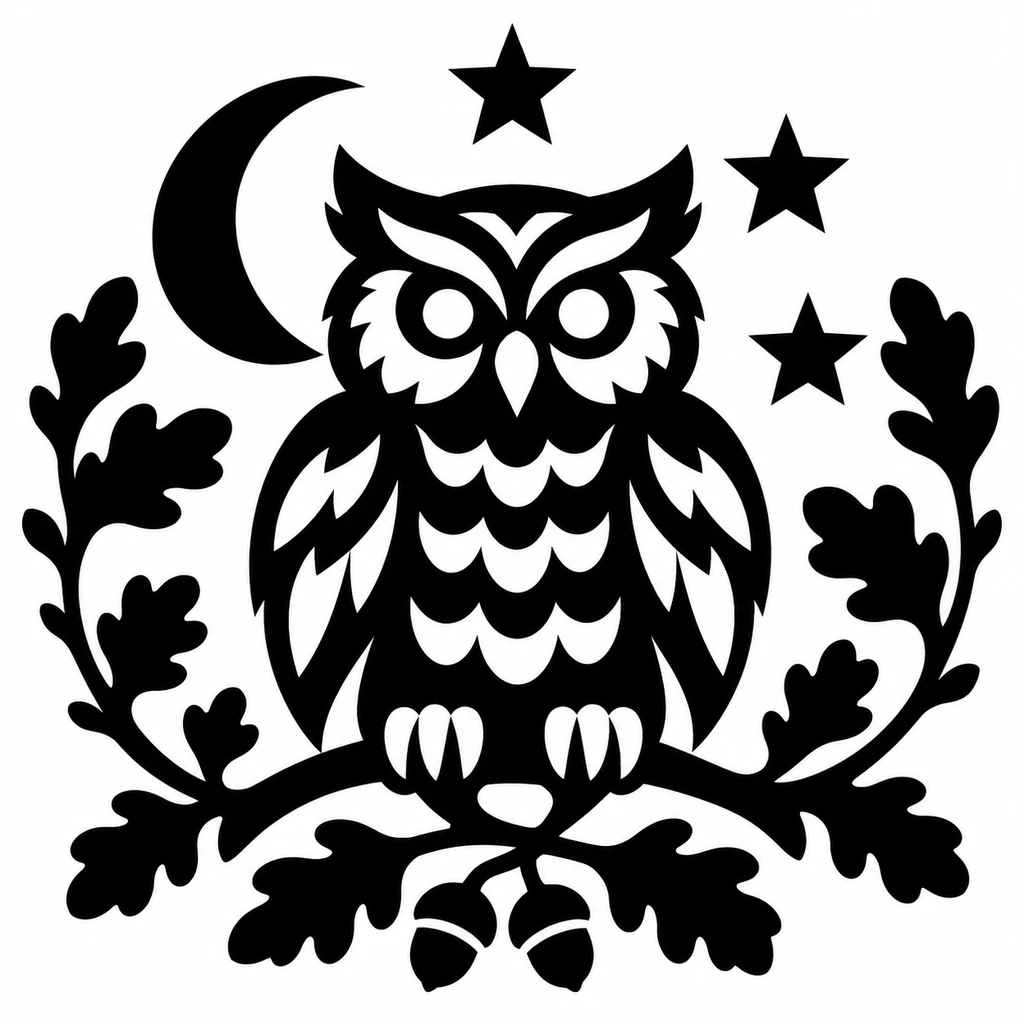
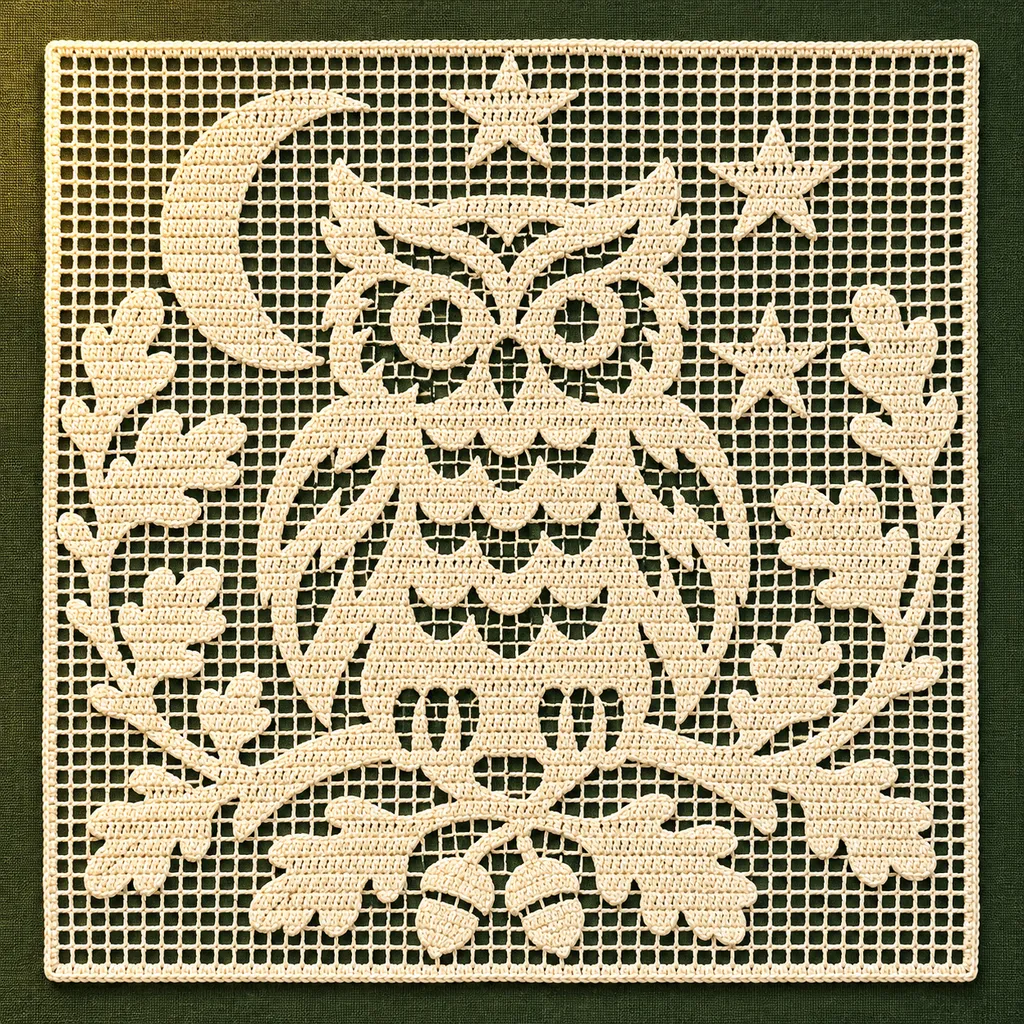 Moonlight owl
Create an open-and-filled mesh chart for your next filet crochet project.
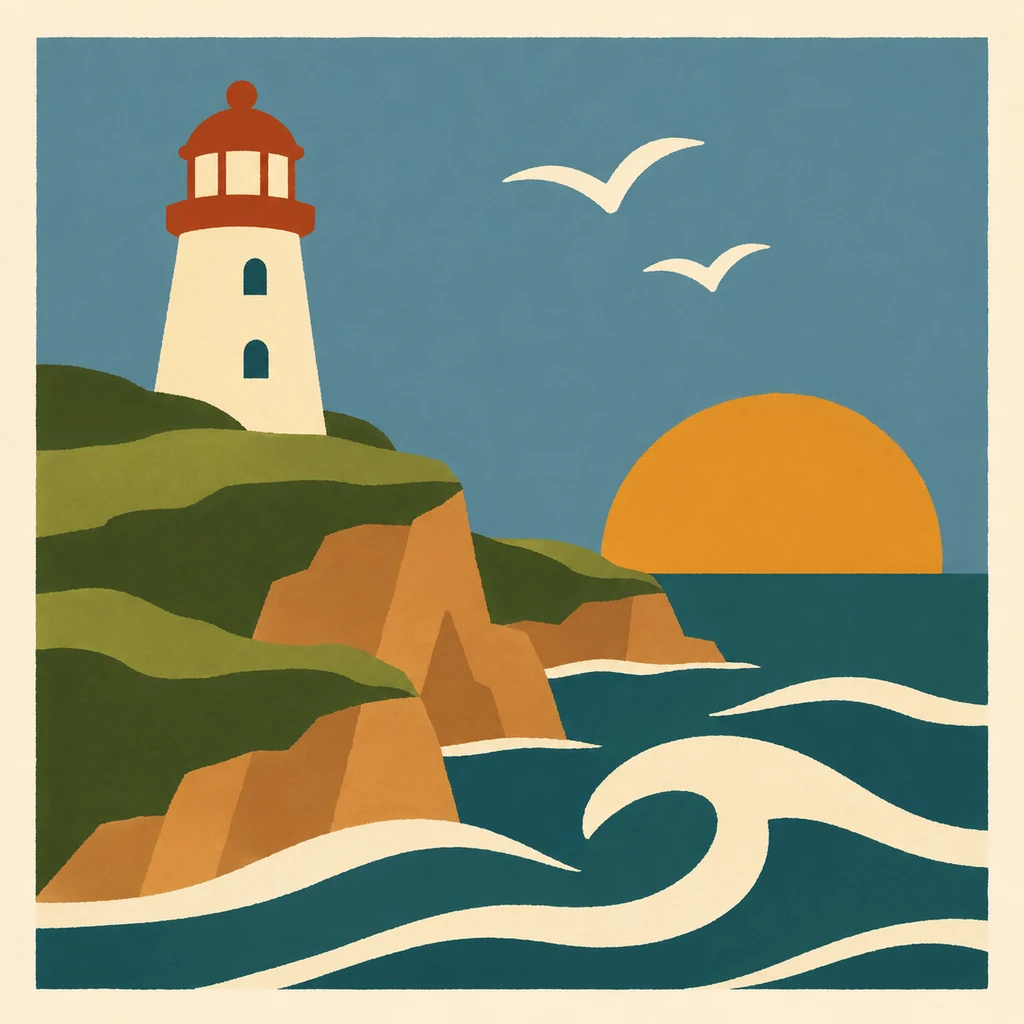
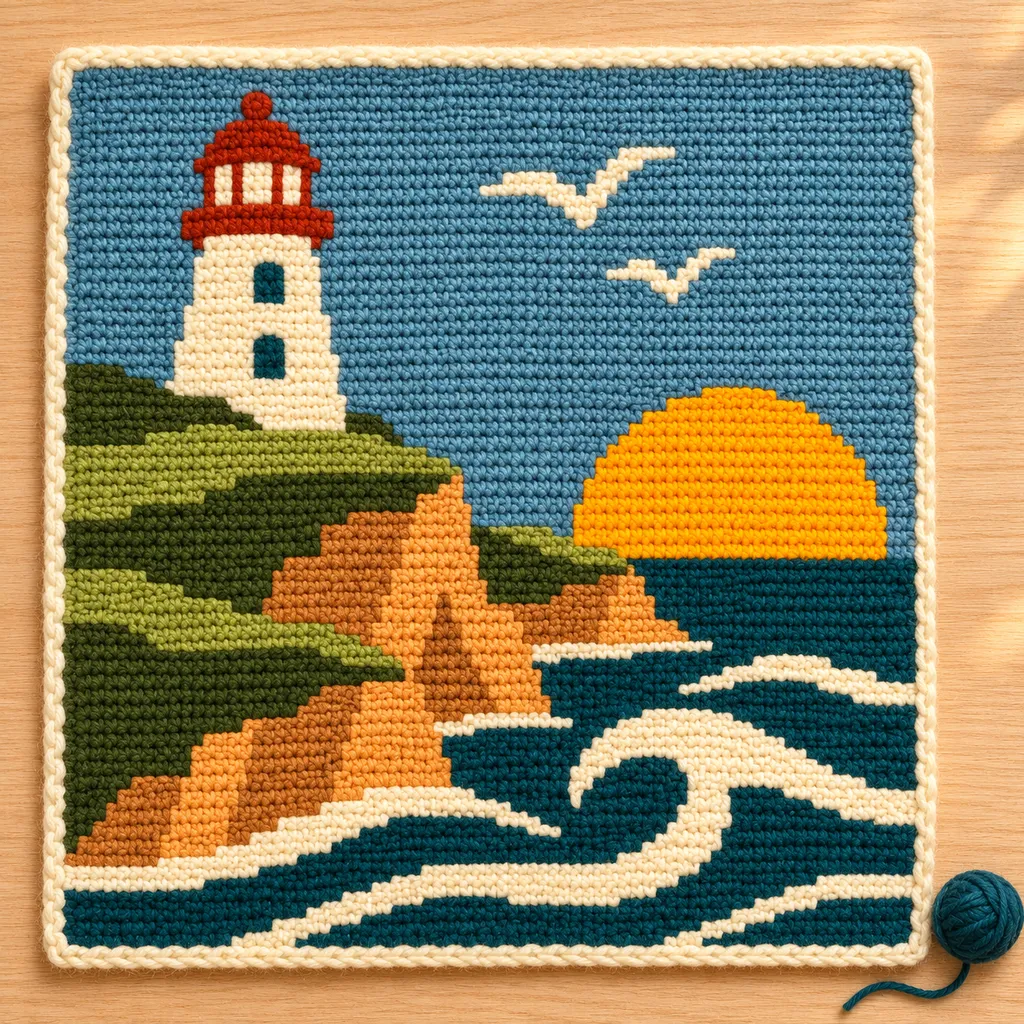 Coastal light
Create a crochet graph online from a blank grid or image. Customize colors, cell proportions and row notes, then print your chart. Start free.
Choose an image you have permission to use, or try our editable sample.
Crop the subject, choose grid dimensions and limit the number of colors.
Edit cells, merge colors and check the craft-specific counts, row directions or board layout.
Keep a project file and print the color key and symbol pages.
Originals, made for making
Follow each design from original artwork to an editable chart and an illustrated craft finish. Open the chart to adjust colors, edit cells and print your own version.
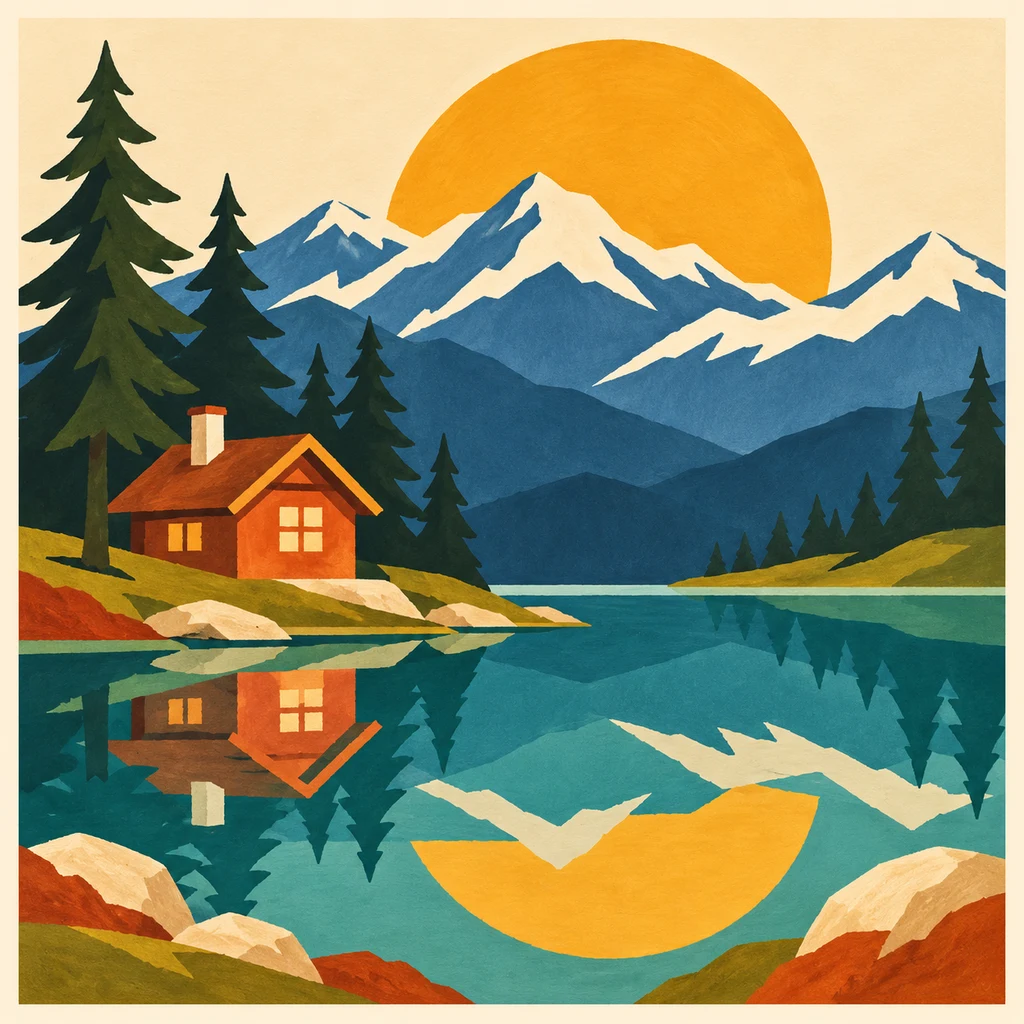
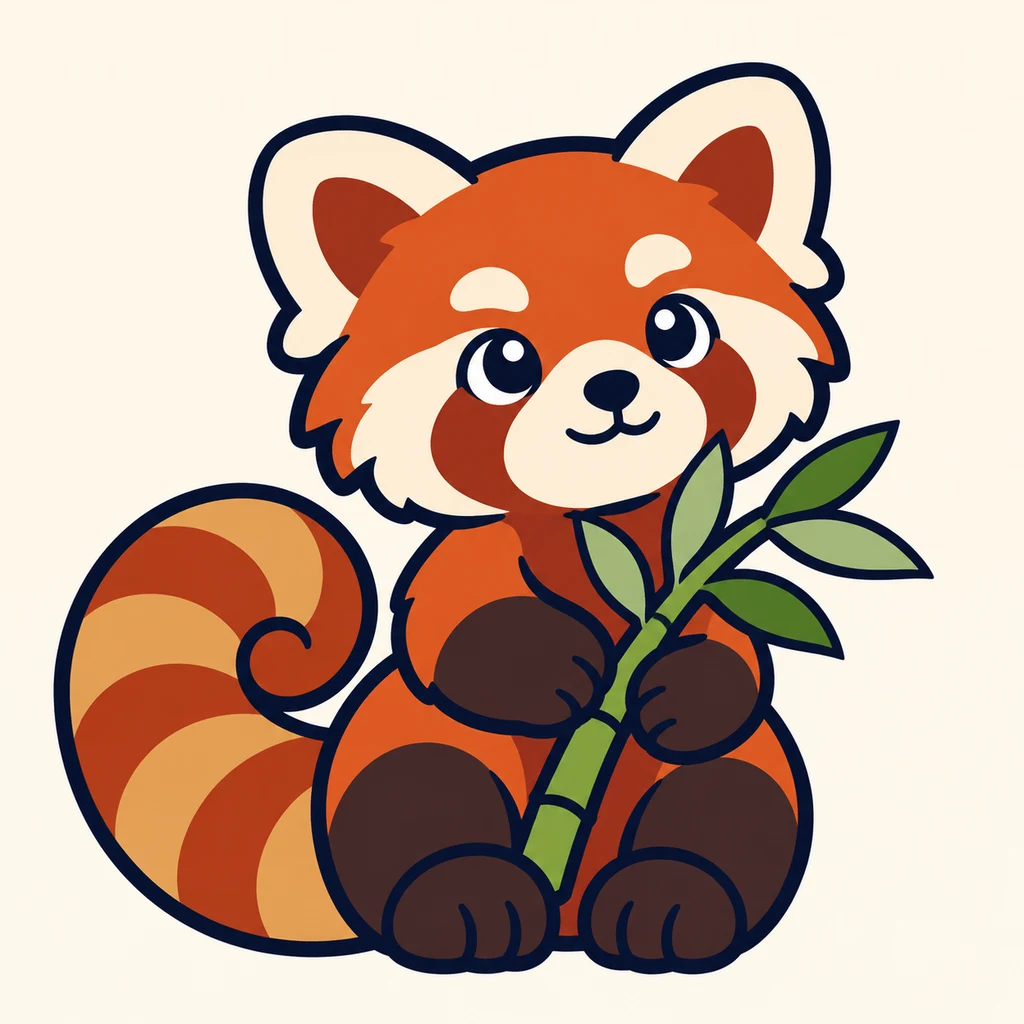
AI mockups illustrate a possible finish, not an exact rendering of the chart. The editable chart is actual tool output; physical making has not been tested.
Plan the chart in stitches and see its design dimensions on your chosen fabric count. Add your own border allowance.
Choose custom colors or community DMC references. Review counts and printable symbols before selecting physical thread. References are approximate.
Preview tapestry stitches using your own swatch, follow row arrows and print color runs in working order.
Plan custom bead colors, count occupied pegs and split a rectangular design across square boards.
Convert clear silhouettes to a 4-dc mesh chart with an explicit legend, threshold controls and mesh counts.
Design from a blank stitch or block grid, label your colors and save row notes with your printable graph.
Choose a reading guide for your craft, then explore photo workflows, material planning and troubleshooting.
Read the grid, symbols, color key and page coordinates using an annotated chart exported from the actual editor.
Follow colors, row numbers and direction arrows, then compare the chart with your own single-crochet swatch.
Check reference-chart scale, match board sections and use symbols with the bead counts.
Interpret open and filled meshes using the explicit 4-dc convention, and check mesh counts and row direction.
Build a blank-first graph with custom color labels, cell proportions and saved row notes.
Save local or cloud projects, keep editable backups and resume row progress across all five makers.
Five workspaces are available: cross stitch, tapestry crochet, fuse beads, filet crochet and custom crochet graphs. Each explains its chart conventions and supported export.
Yes. Upload a PNG, JPEG or WebP image, adjust the crop, grid and colors, then review the resulting chart. Clear subjects and simple backgrounds are easier to convert.
Yes. Use the pencil, eraser, fill and color merging controls. Download a project to keep an editable copy, or use the print dialog to save a PDF.
No. These are chart makers with explicit stitch, mesh, block or bead conventions. They do not generate complete garment shaping, amigurumi construction or fusing instructions.