
Workflow
Turn a Photo into a Tapestry Crochet Chart
Choose a clear motif, set your swatch gauge, simplify yarn colors and check every row before printing.
Originals, made for making
Alpine morning
Follow each design from original artwork to an editable chart and an illustrated craft finish. Open the chart to adjust colors, edit cells and print your own version.
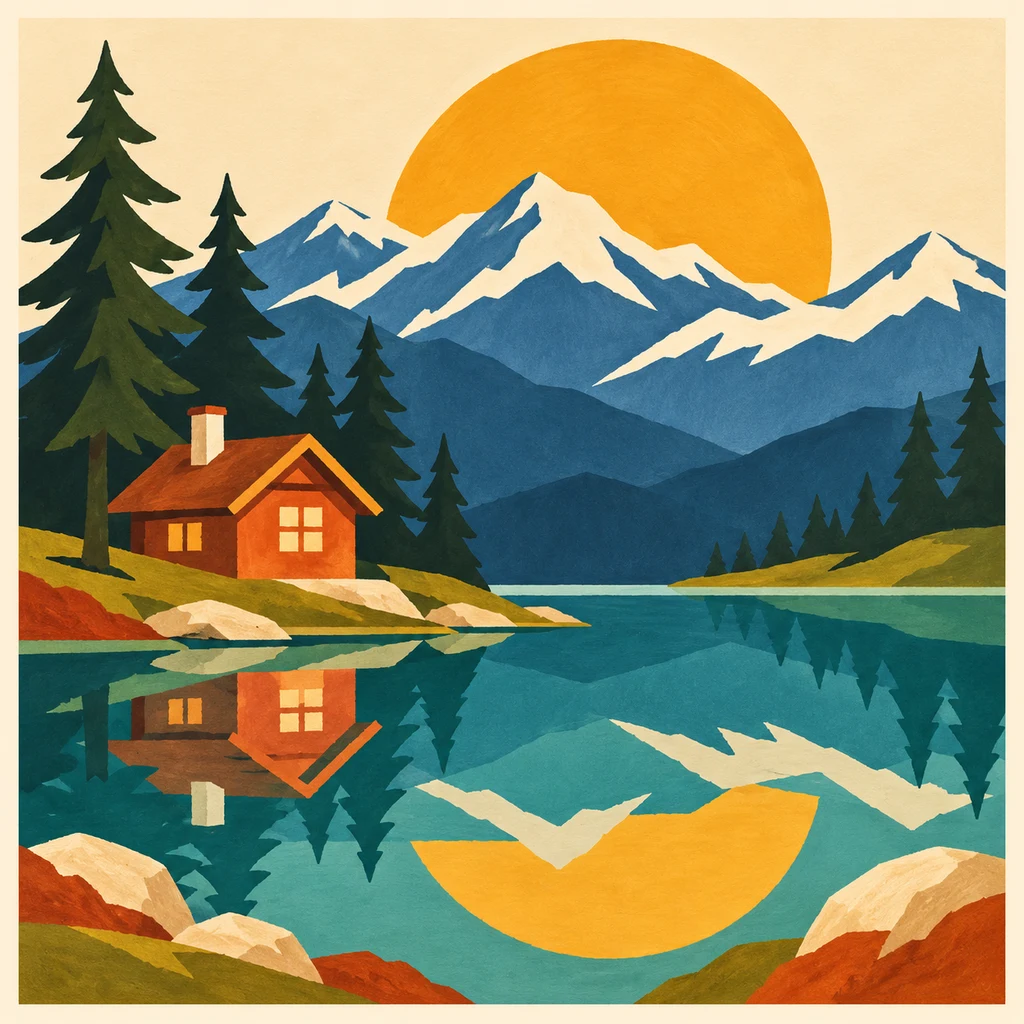
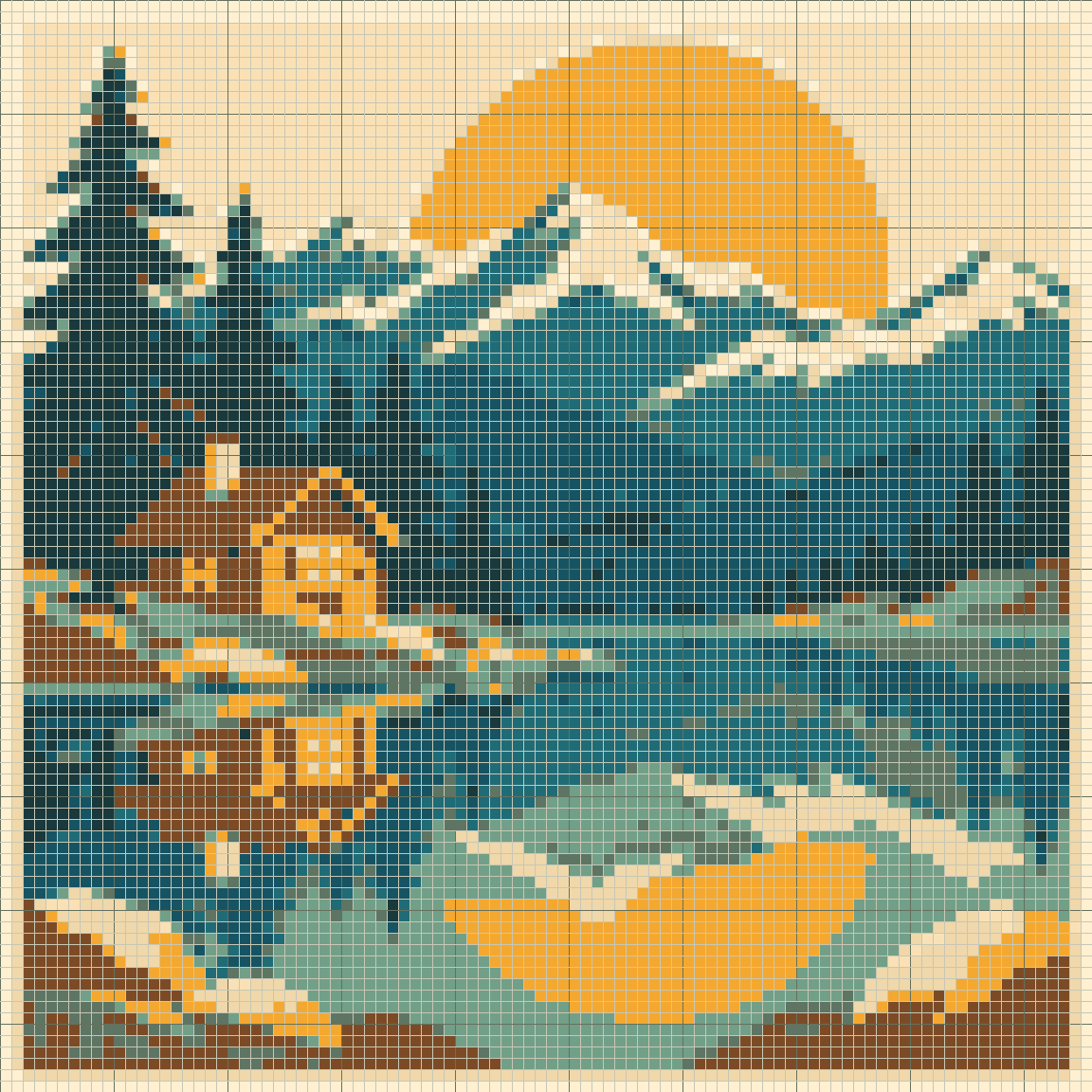
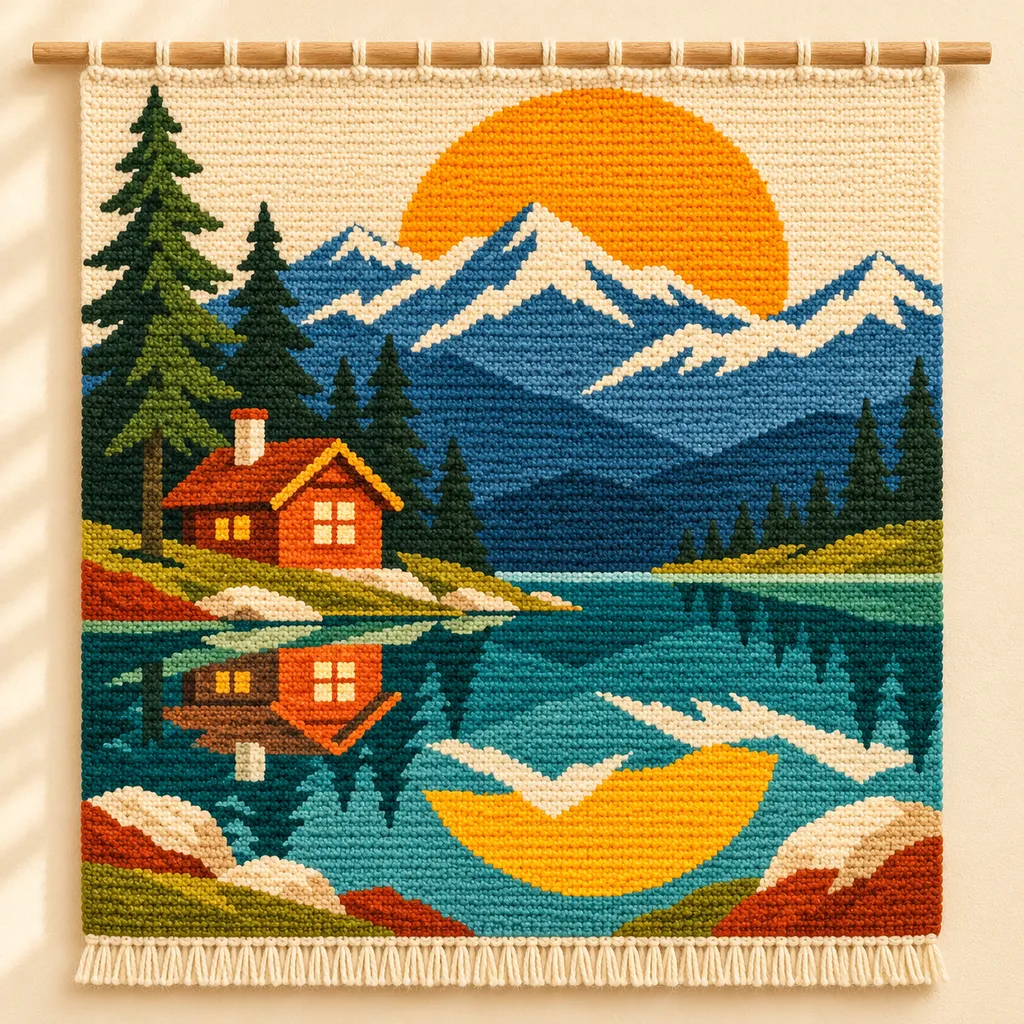
AI mockups illustrate a possible finish, not an exact rendering of the chart. The editable chart is actual tool output; physical making has not been tested.
Choose the Part You Want to Crochet
Use the original artwork shown above, or upload an image you have permission to use. Crop around a recognizable subject and keep its outline inside the frame. Open the example to inspect its editable chart; choose a small grid for your first attempt.
Prepare the Image Before Generation
Compare the original and next-chart preview while adjusting crop, brightness and contrast. Edge-background removal only affects similar colors connected to the edge; it does not recognize the subject. Generate to apply the settings, then repair small details manually.
Measure Your Own Stitch Proportions
Use a single-crochet swatch made with the yarn, hook and method you intend to use. Enter the stitches and rows measured over 10 cm. Keep image proportions calculates the number of chart rows from the crop, width and gauge. If that result falls outside 8–160 rows on Free or 8–400 with Maker Plus, change the width or crop. Do not enter a convenient gauge merely to make the preview fit.
Begin with a Manageable Yarn Palette
Choose a custom yarn palette, merge colors and review the selected row. Row 1 starts at the bottom. Set the first reading direction to match your working method.
Review the Chart in Working Order
Choose flat rows or unturned rounds and the first reading direction. Row 1 starts at the bottom. Check the color runs for each row: short alternating runs can make a motif harder to work. Unassigned cells do not tell you to skip stitches; assign a background color when your project needs a continuous rectangle.
Save, Print and Test a Section
Download JSON for editing and use Print / Save PDF for the chart and its key. PNG is a visual reference; CSV lists material counts. Open the saved files and check them before starting. The displayed craft mockup is AI-generated, not a photograph of a physically tested project.
Before you start
- Your own gauge is entered.
- Background cells have an intentional meaning.
- Row arrows match your working method.
- A project backup is downloaded before major changes.
Tapestry crochet Questions
Will this tell me how to carry yarn?
No. The chart records color placement and row runs. Use instructions for your chosen yarn-handling and construction method.
Can I change the gauge after drawing?
Yes, but regenerating a source image replaces its chart. Save a separate project first. Changing the preview gauge does not automatically rearrange hand-edited cells.
Is the photo example already a tested pattern?
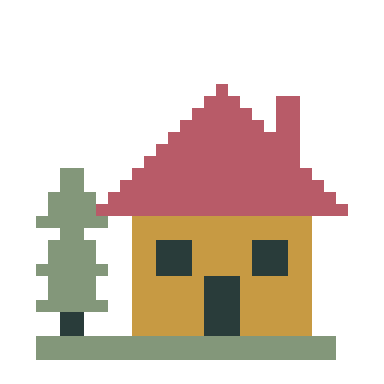
The editable chart is a digital example. The craft mockup is AI-generated; it does not prove stitch tension, material colors or finished dimensions. Test a small physical sample before making the full project.
Practice with a Working Digital Sample
Pine cottage · 32 × 32 · Single-crochet colorwork grid · Flat rows or unturned rounds · Chart + row guide
Tapestry crochet Guides & Help
Fix Stretched Motifs and Excessive Color Changes →
Separate gauge problems from image detail, then simplify a tapestry chart without losing the motif.
Add Names and Short Messages to Your Pattern →
Preview block lettering, fit it to your chart and preserve the result in any of the five makers.
Save, Back Up and Resume Your Patterns →
Save local or cloud projects, keep editable backups and resume row progress across all five makers.
Choose PDF, PNG or CSV and Check Print Settings →
Pick the right export, match paper settings and review page boundaries before making your project.
How to Read a Tapestry Crochet Chart →
Follow colors, row numbers and direction arrows, then compare the chart with your own single-crochet swatch.